
The trial is measured in videos, not days. You get three uploads.
That’s plenty if you choose them on purpose… and damn near useless if you burn them on three clean talking-head clips.
Use one easy file, one nasty transcript, and one clip that normally needs real editing. By the third export, you’ll know whether Submagic saves time or merely moves the work around.

What you get: three short-video uploads and edits. No credit card is listed as required. The catch is the watermark, which stays on free exports until you move to a paid subscription.
What the Submagic free trial includes
The offer is simple: three short videos you can upload and edit before paying.
Submagic does not present it as a seven-day or fourteen-day clock. The official help article describes a three-video allowance.
That is better for a real evaluation because you are not racing a calendar while client work, kids, or life starts throwin’ chairs at your schedule.
During the test, you can get a feel for the product’s core promise:
- automatic transcript and caption timing
- animated caption styles
- short-form editing workflow
- visual polish such as B-roll and zoom-style enhancements where available
- the time required to review and correct the output
The trial is not useful because “free” is exciting.
It is useful because it lets you compare two numbers that matter: the time you normally spend editing and the time you spend cleaning up Submagic’s first pass.
If you want the full breakdown of plans, strengths, and weak spots, keep the main Submagic review open beside this test plan. That page is the hub for this entire Submagic guide.
What you do not get
Watermark-free exports
Submagic’s help center states that a paid subscription is required to download without the Submagic watermark.
So yes… you can judge the output for free.
No… you should not assume the trial is a forever-free production plan for client work or published brand content.
An unlimited playground
You have three videos, not an endless bucket of practice uploads.
Do your homework first. Pick the files, write down what each one is supposed to test, and save the results before you move to the next.
A promise that every paid feature is included
The public plan grid separates capabilities by tier. Features such as longer video limits, premium B-roll, advanced cleanup, 4K output, brand controls, publishing, and larger API allowances vary by plan.
The free-trial help page does not promise that every paid feature is fully unlocked.
If one specific feature will decide the purchase, confirm its availability inside the trial dashboard or ask support before judging the whole product.
A guaranteed long-form clipping test
Submagic handles long-to-short workflows through Magic Clips. Its documentation says Magic Clips can analyze podcasts, interviews, webinars, and other longer recordings, but it may require an add-on subscription.
The standard trial article specifically talks about three short videos.
Do not assume those are the same allowance.
If pulling highlights from long recordings is your main job, see how that workflow compares in our Submagic vs Opus Clip guide.
The smartest way to use your three free videos
Most people test software like they’re showin’ a house before an open day.
Fresh paint. Clean counters. Hide anything ugly in the garage.
That tells you almost nothing.
Your three trial clips should expose three different parts of the workflow.
Video one: your clean baseline
Use a clear, well-lit talking-head clip with decent audio and a normal speaking pace.
This gives you the baseline. You are checking how quickly Submagic gets from upload to a respectable first draft when the source footage behaves itself.
Watch for:
- caption accuracy
- line breaks and reading speed
- whether emphasis lands on the right words
- how natural the zooms and visual changes feel
- total time from upload to reviewed result
Video two: your transcript torture test
Use the kind of clip that creates real caption mistakes.
That might mean an accent, background noise, quick delivery, two speakers, product names, acronyms, or niche vocabulary.
Do not simply count every wrong word.
Count the corrections that could confuse the viewer or make the brand look sloppy.
A missed “uh” does not matter. A butchered company name does.
Video three: your editing test
Use a visually plain clip that normally needs help.
Maybe the pacing drags. Maybe it needs a few cuts, B-roll, caption emphasis, or audio cleanup.
This is where you judge taste.
Did Submagic choose useful visuals? Did the motion support the message? Did the edit make the speaker feel sharper, or did it turn the clip into a caffeinated slot machine?
Speed matters. Restraint matters too.
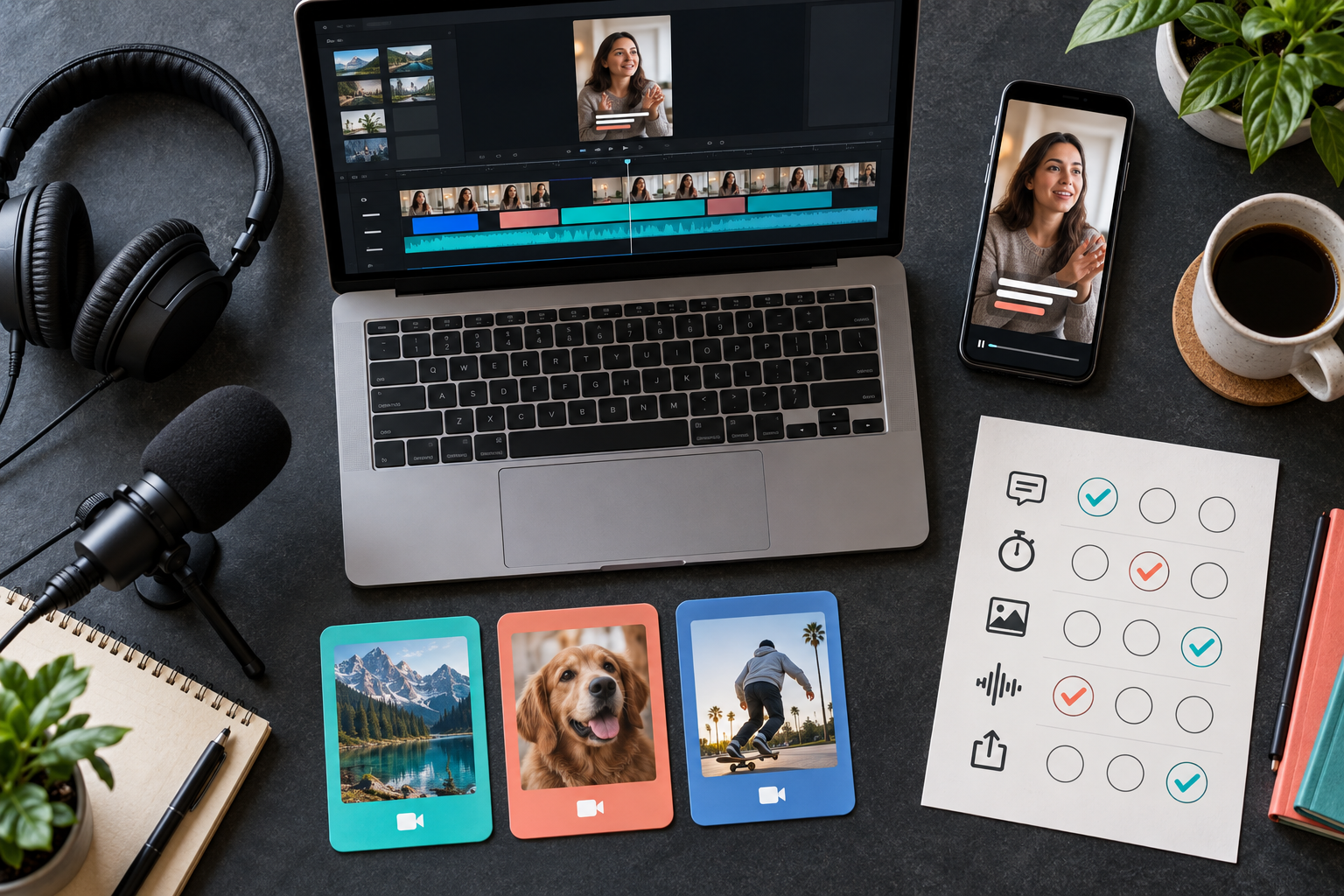
Use this five-part trial scorecard
Give each category a score from one to five after every video.
| Category | What to measure | The question that matters |
|---|---|---|
| Caption accuracy | Meaningful word errors, names, jargon, punctuation, and line breaks | How much trust-damaging cleanup did I have to do? |
| Editing judgment | Cut timing, zooms, visual emphasis, and pacing | Did the changes support the message or distract from it? |
| B-roll fit | Relevance, originality, tone, and placement | How many suggestions would I actually publish? |
| Workflow speed | Upload, processing, correction, styling, and export time | How many minutes did this save compared with my current process? |
| Final usability | Whether the result is ready for the intended platform or client | Can I publish this after one review pass? |
Then write down one last number: how many clips you expect to make in an average month.
Multiply that by the minutes saved per clip.
Now you’re deciding with workflow math instead of shiny-object fever.
What happens when the free trial is over?
If you want watermark-free downloads and continued use, you will need a paid plan.
Submagic lists these monthly prices:
- Starter: $19 per member per month
- Pro: $39 per member per month
- Business: $69 per member per month
Annual billing showed lower effective rates of $12, $23, and $41 per member per month.
Do not jump straight to annual because the discount looks good.
Run the test. Choose the lowest tier that covers your normal file length, monthly volume, output quality, brand needs, and team size. Then use it for a real production month before you lock yourself into anything longer.
A small warning: the official pricing page has displayed conflicting API-minute figures in separate areas. If automation is part of your plan, verify the exact current allowance at checkout or in your dashboard.
Ready to run the three-clip test?
Use one clean clip, one ugly transcript, and one boring video that needs a lil’ help. You’ll know a whole lot more by the third export.
Digital Verge may earn a commission if you buy through this link, at no additional cost to you.
Free-trial questions
Does Submagic have a free trial?
Yes. Submagic’s help center says new users can upload and edit three short videos free. The pricing page says no credit card is required to start.
Does the Submagic free trial have a watermark?
Yes. Submagic says a paid subscription is required to download videos without its watermark. Use the free trial to judge the workflow and output before paying, not as a permanent watermark-free plan.
How many free videos do you get with Submagic?
Submagic currently documents three free short-video uploads and edits for a new user. Trial limits can change, so check the official help article when you sign up.
Do I need a credit card for the Submagic free trial?
Submagic’s public pricing page says no credit card is required to start. Verify the signup screen before submitting because trial terms can change.
Can I use the Submagic free trial for long videos?
The free-trial help article specifically describes three short videos. Long-form clipping is handled through Magic Clips, which Submagic documents separately and may sell as an add-on. Do not assume the standard three-video trial includes a full Magic Clips test.